Many families now choose laser distance meters to measure the length and width of rooms. After two measurements, the device automatically displays the area on the screen, making the process quicker and easier.
When is it necessary to measure the area of a house?
Measuring house area is a common task in familiar situations such as:
- Calculating the area needed to repaint walls or ceilings
- Determining the number of floor tiles required
- Checking room dimensions before buying cabinets, tables, or beds
- Re-measuring area during home repairs or renovations
If you're only measuring a small room, a tape measure is sufficient. However, when measuring multiple rooms in a house, a laser distance meter is a device that makes the process faster and avoids the need to repeatedly use a tape measure.
How to measure house area using a tape measure
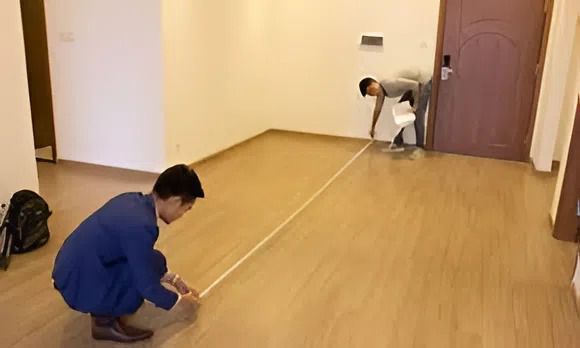
A measuring tape remains the simplest method if you only need to measure a room, and it's still a popular choice for households. So, what are the steps?
Step 1: Measure the length of the room using a measuring tape.
Step 2: Measure the width of the room.
Step 3: Apply the area formula.
For example, for a rectangular room:
Area = length × width
This method is easy to perform; however, it can be inconvenient if the room is large or there's no one to hold the tape.
Measure the area of your house using a laser distance meter
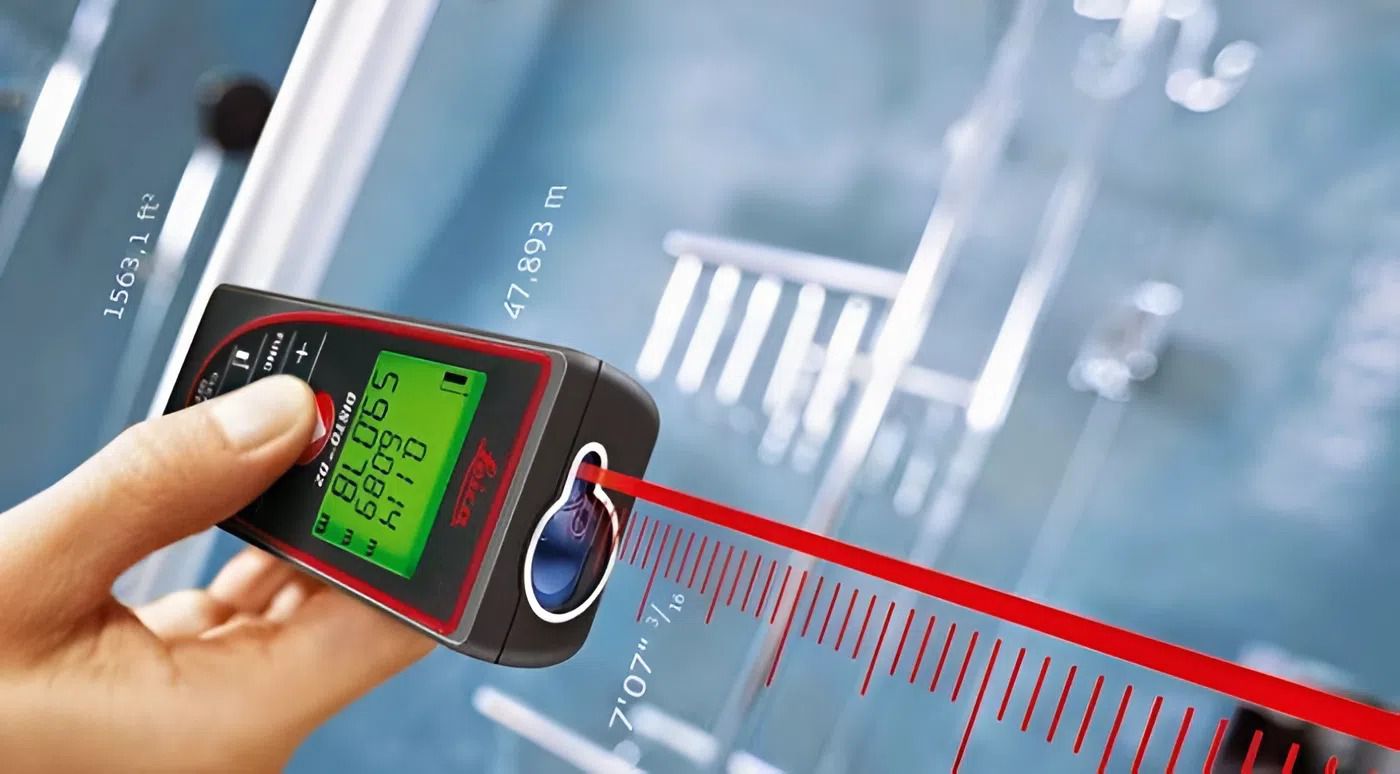
With a laser distance meter, you simply stand at one end of the room and press the measurement button. The laser beam will project onto the wall in front of you and display the distance on the screen.
Many models also have an area measurement mode. When this mode is enabled, you only need to measure two sides of the room, and the device will automatically calculate the area.
Some laser distance meters from brands like Bosch, Leica, Makita, or Nikon are commonly used for measuring rooms, walls, or checking dimensions during home renovations.
How to measure house area using a laser distance meter
Most laser distance meters have similar operation. You can follow these steps:
Step 1: Turn on the device: Press the power button to turn it on.
Step 2: Select the area measurement mode: A rectangular icon will appear on the screen.
Step 3: Measure the room length: Place the device close to one end of the wall and press the measure button; the laser beam will project onto the opposite wall.
Step 4: Measure the room width: Rotate the device to the other side of the room and press the measure button again.
Step 5: View the result: After two measurements, the screen will display the room's area. The entire process usually only takes a few tens of seconds.
A few things to keep in mind when measuring house area
For more consistent measurement results, please note a few key points:
- Place the device close to the wall when measuring to avoid errors.
- Choose a flat wall surface for better laser beam reflection.
- If the room has many corners or complex shapes, divide it into smaller sections for measurement.
Keeping these points in mind will make measuring area with a laser distance meter easier, even when measuring at home.
Frequently Asked Questions When Measuring House Area
1. Does a laser distance meter automatically calculate area?
Most models have an area measurement mode. You just need to measure the two sides of the room, and the device will display the result.
2. Can one person measure the area of a room themselves?
Yes, it is. This is why many people use laser distance meters when measuring rooms or houses.
3. Can a laser distance meter be used to measure the height of a wall?
Absolutely. You just need to place the device on the floor and shine the laser beam onto the ceiling to read the distance.
Above are methods for measuring house area using a tape measure and a laser distance meter. For measuring rooms in a house, a laser distance meter makes measuring length and width quicker and easier, especially when measuring multiple rooms.